
Glitch
DEBUGGING + INSPECTION — *there's always a reason; bugs are findable without shame.*
Listen along — Glitch
Loading audio…
Press play to listen along. The line being read lights up as you go.
Show full transcript
Loading transcript…
Chapter 5 — Glitch and the Gentle Magnifying-Glass
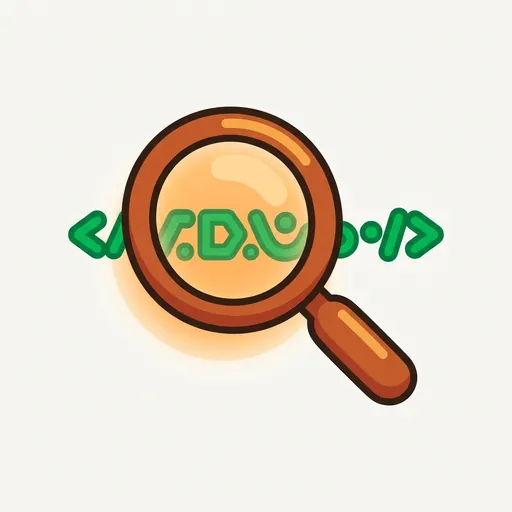
Glitch wasn’t an animal sidekick, nor a robot with blinking eyes. Glitch was a small, smooth magnifying glass, painted to hover over a glowing line of code. A warm, welcoming light pulsed from beneath the glass, like a tiny, friendly sunbeam. This figure highlighted the exact spot where a problem hid in the code. Its light was soft and inviting, never a harsh red alarm signaling failure. Glitch’s whole look said, “Come look at this gently,” not “You broke it.”
This gentle approach was important. Glitch was the spirit of debugging and inspection. Its core message was simple: “There’s always a reason. Bugs are findable without shame.”
In many stories about programming, bugs felt like personal failures. The programmer had “broken” the code. They had “made a mistake.” They had “failed.” This idea made kids afraid of bugs, which actually made them worse at fixing them. Shame often clouds the clear thinking needed for investigation. Glitch’s entire purpose was to defuse that shame. Bugs were just information. They were chances to understand a program better. They were not moral failings.
Loop, the instructor, often spoke on Glitch’s behalf. “Glitch is the bug-finder,” she would say. “Every bug has a reason. Code follows logic, always. We just need to find that logic.”
One afternoon, Leo slumped over his keyboard, a frustrated sigh escaping him. His game character, a pixelated space explorer, was supposed to jump across a series of asteroids. Instead, it just flickered once and stayed stuck on the first rock. He’d been trying for twenty minutes, and his code looked exactly like the example.
“What’s up, Leo?” Loop asked, her voice calm as she approached. She carried a small, smooth stone, turning it in her fingers. “Looks like Glitch is ready to help.”
Leo gestured vaguely at the screen. “It’s broken. The explorer won’t jump. I followed all the steps.” He felt a familiar heat rise in his cheeks, the kind that came with making a mistake.
Loop pointed to a message glowing faintly at the bottom of Leo’s screen: SyntaxError: unexpected token 'else'. “See this?” she asked. “It’s not a scolding. It’s a hint. Glitch says, ‘Read the error message carefully.’ These messages tell you where and what happened.”
Leo peered closer. “Unexpected ‘else’?” he muttered. “But ‘else’ is supposed to be there.”
“It is,” Loop agreed. “But maybe not exactly there. Errors often point to the line before the real problem. Let’s look at the lines around it.”
They scanned the code together. Loop then suggested, “Sometimes, we need to ask the program what it’s thinking. We can use ‘print debugging.’ It’s like asking, ‘Hey, what value are you holding right now?’” She showed Leo how to insert a print(player_state) line just before his jump function. “This will show us what the player’s status is right before it tries to jump.”
Leo ran the code again. The console filled with player_state: falling. “Falling?” Leo exclaimed. “It should be standing before it jumps!”
“Exactly,” Loop said, a small smile playing on her lips. “That’s good information. We know the problem isn’t necessarily in the jump itself, but in how the player’s state is being set.”
Leo still felt a knot of frustration. “But where? It’s a lot of code.”
Loop reached into a small bag and pulled out a bright yellow rubber duck. “Time for Glitch’s favorite assistant,” she said, handing it to Leo. “This is for ‘rubber-duck debugging.’ Explain your code line-by-line to the duck. Tell it what each part is supposed to do. The act of explaining often reveals the bug.”
Leo, feeling a little silly but desperate, took the duck. “Okay, Mr. Duck,” he began, holding it up. “So, when the player presses the spacebar, the jump() function is called. And if the player_state is standing, then it should change to jumping.” He paused, looking at the code. “Then, else if the player_state is jumping, it should change to falling after a certain time.” He continued, his voice gaining confidence as he spoke. “And else…” He stopped. “Wait a minute.”
He pointed to a line of code. “I have else if here, but then I just have else right after it, without checking if the player is falling first. It’s just… else: player_state = falling.”
Loop nodded. “You got it. The else statement is catching everything else, even when it shouldn’t. You need another if or else if to check the player_state there, or maybe else isn’t what you need at all.”
Leo quickly changed the else to elif player_state == 'falling':. He ran the code. This time, the space explorer jumped perfectly, soaring over the asteroids.
“I found it!” Leo grinned, a genuine smile replacing his earlier frown. “It wasn’t broken. It was just… confused.”
“Precisely,” Loop said. “Bugs are information, not failures. You didn’t break it; you just found a gap between what you wrote and what you meant. Glitch always reminds us: ‘Not hard. There’s always a reason. Find it gently.’”
Loop handed Leo a small notebook. “Keep a debugging journal,” she advised. “Write down what you tried and what you learned. Even if something didn’t work, it teaches you something. Often, the journal itself reveals patterns, or helps you remember a trick for next time.”
Leo looked at Glitch, its warm light still pulsing gently. He realized the figure wasn’t just a tool. It was a reminder. A reminder that problems weren’t meant to be feared, but understood.
The CodeRealm ensemble
Glitch is part of CodeRealm's distributed-narrative cast. Each character embodies a different curricular primitive; together they teach the full subject.
-

Stash
Variable / storage — the labeled box that holds a value until you call for it
-

Fork
Conditional / branching — chooses a path based on what's true right now
-
Trek
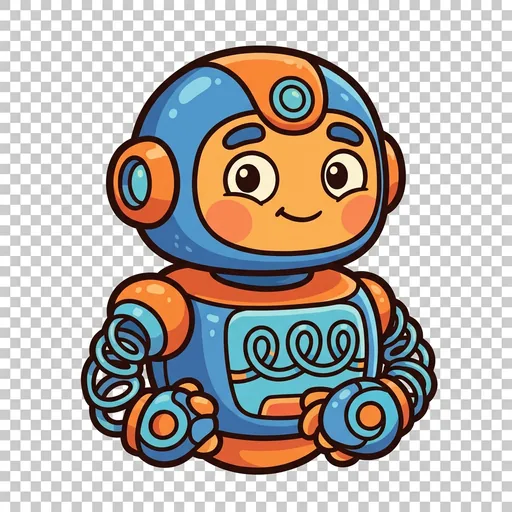
Loop / iteration — keeps going around until the work is done
-

Module
Function / encapsulation — does one job well and can be called anywhere
-

Order
Sequence / syntax — reminds you that order matters in code
-
Row
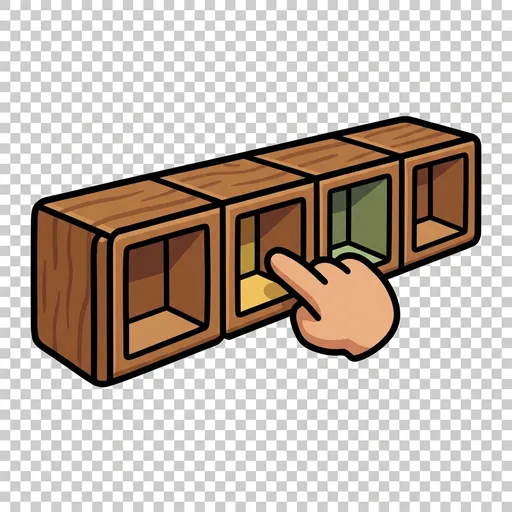
A list: many values lined up in a numbered row, so you can grab item number three instantly or walk through them one by one.
-

Port
Input and output: the doorway that brings information in from the world (a key press, a sensor) and sends results back out.
-
Ping
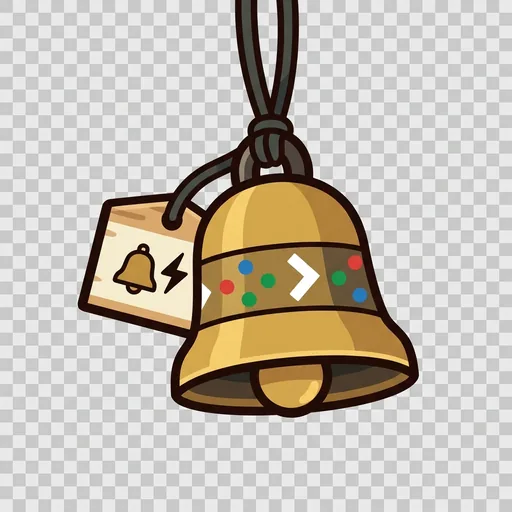
An event: a waiting bell that does nothing until its trigger happens, then runs its code the instant it is struck.
-

Shuffle
Randomness: a fresh unpredictable value each time — a dice roll, a shuffled deck — so a program can surprise, vary, and stay fair.